Mapmaking: The Isles of Cruzan
The Maps
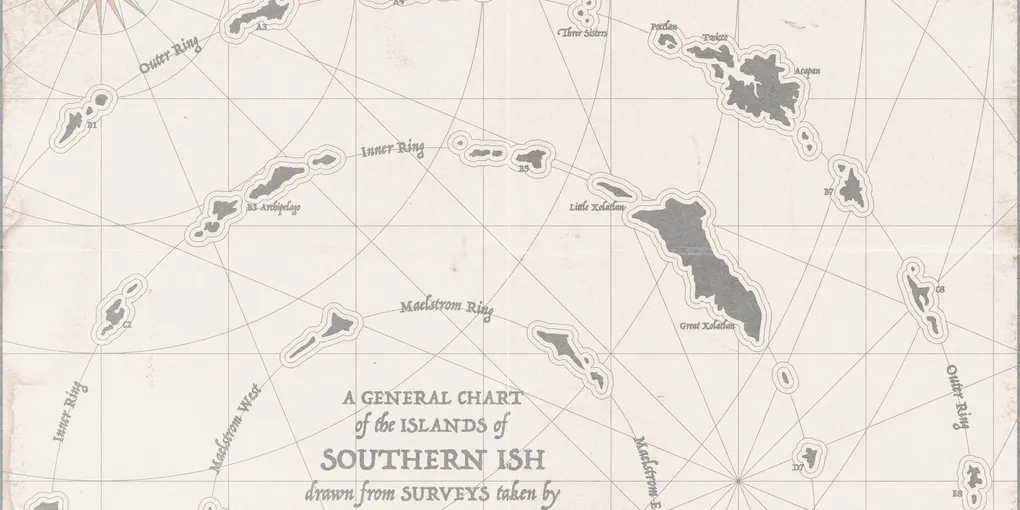
I’ve been on a bit of a bender in my spare time recently after discovering that really great editing software is now free. I’ll fire off a post about RPG module layout soon, but I wanted to show off some new maps first.
Full Resolution Maps
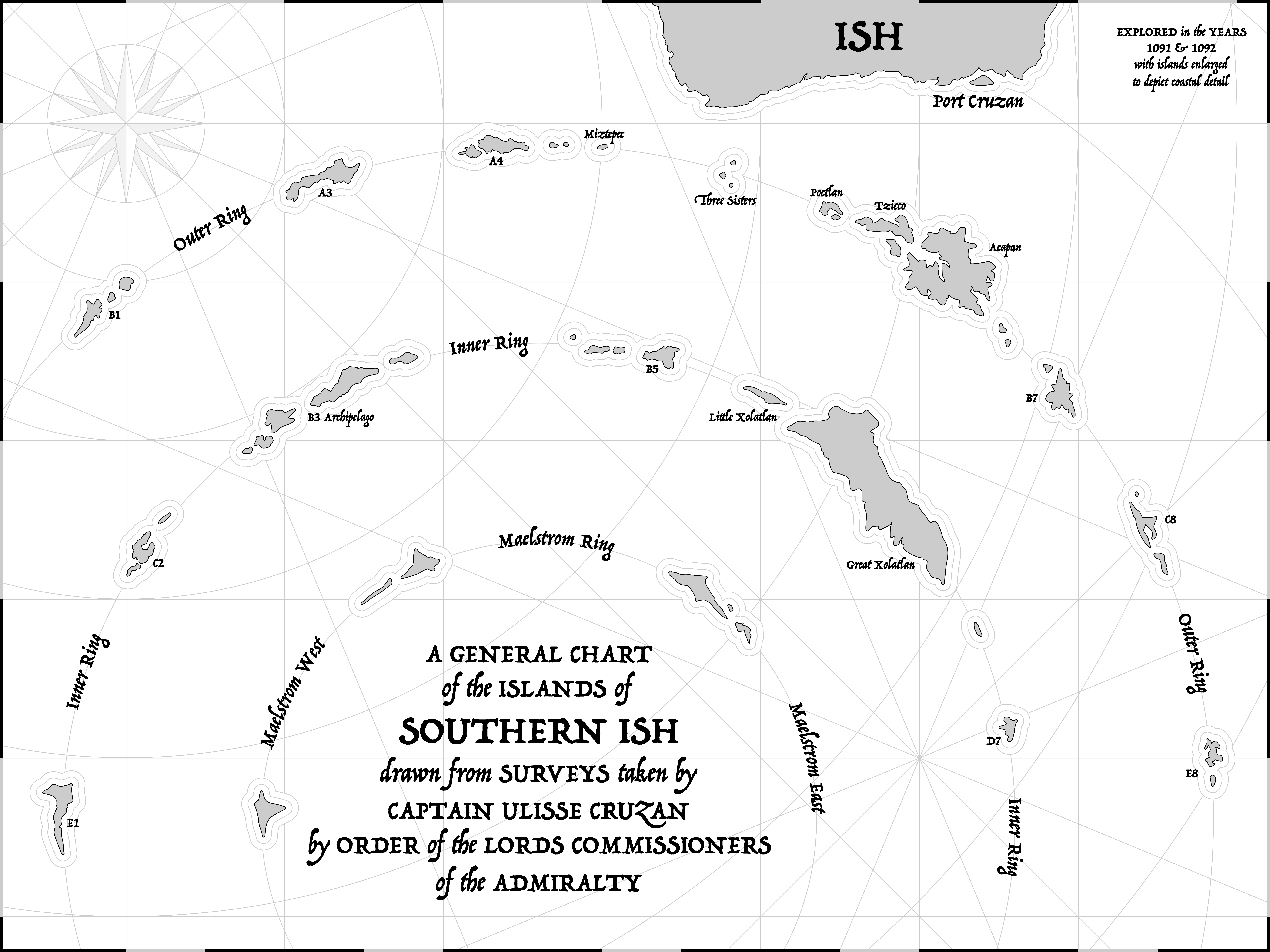
The Isles of Cruzan
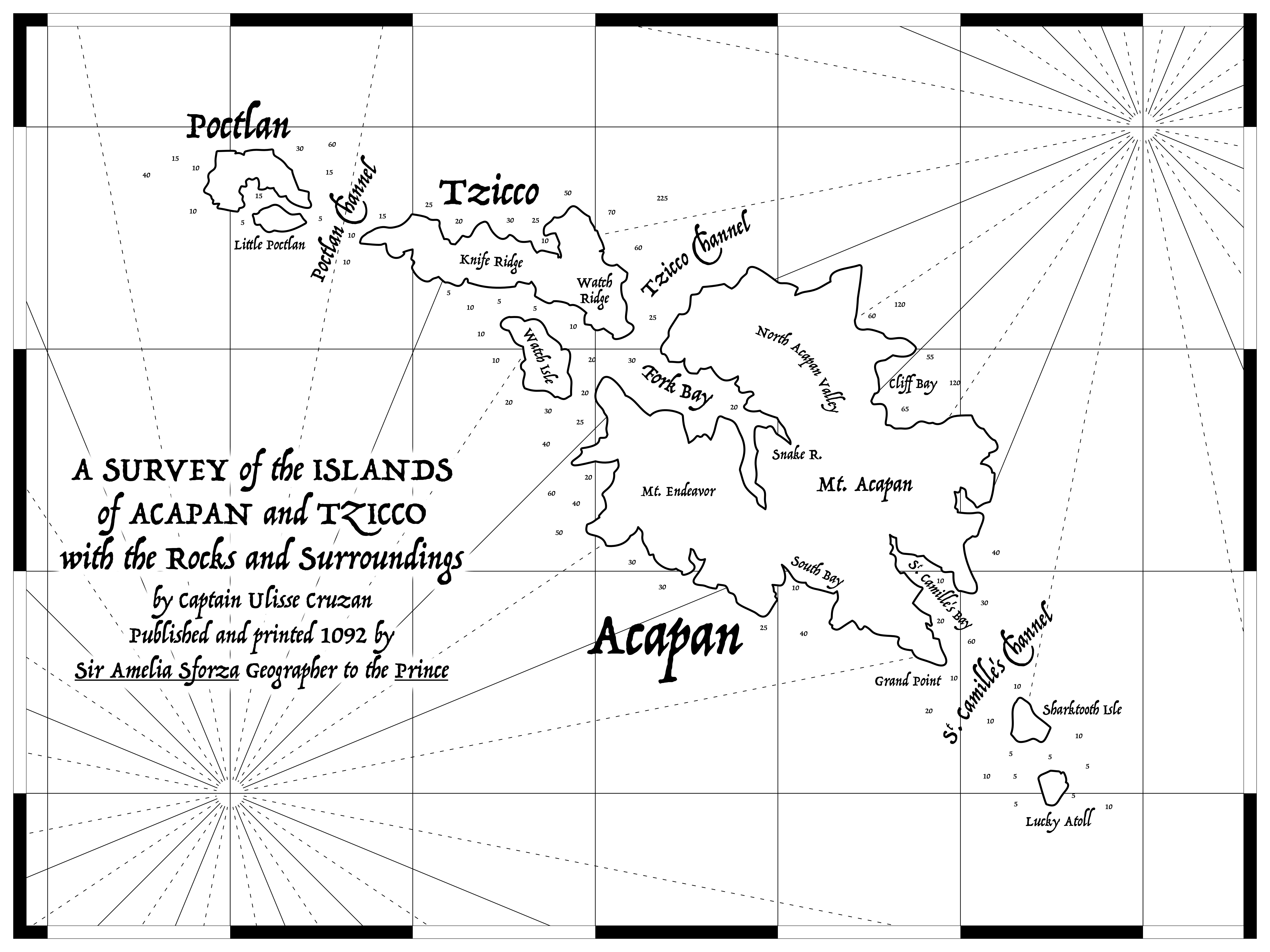
The Isles of Cruzan: Acapan
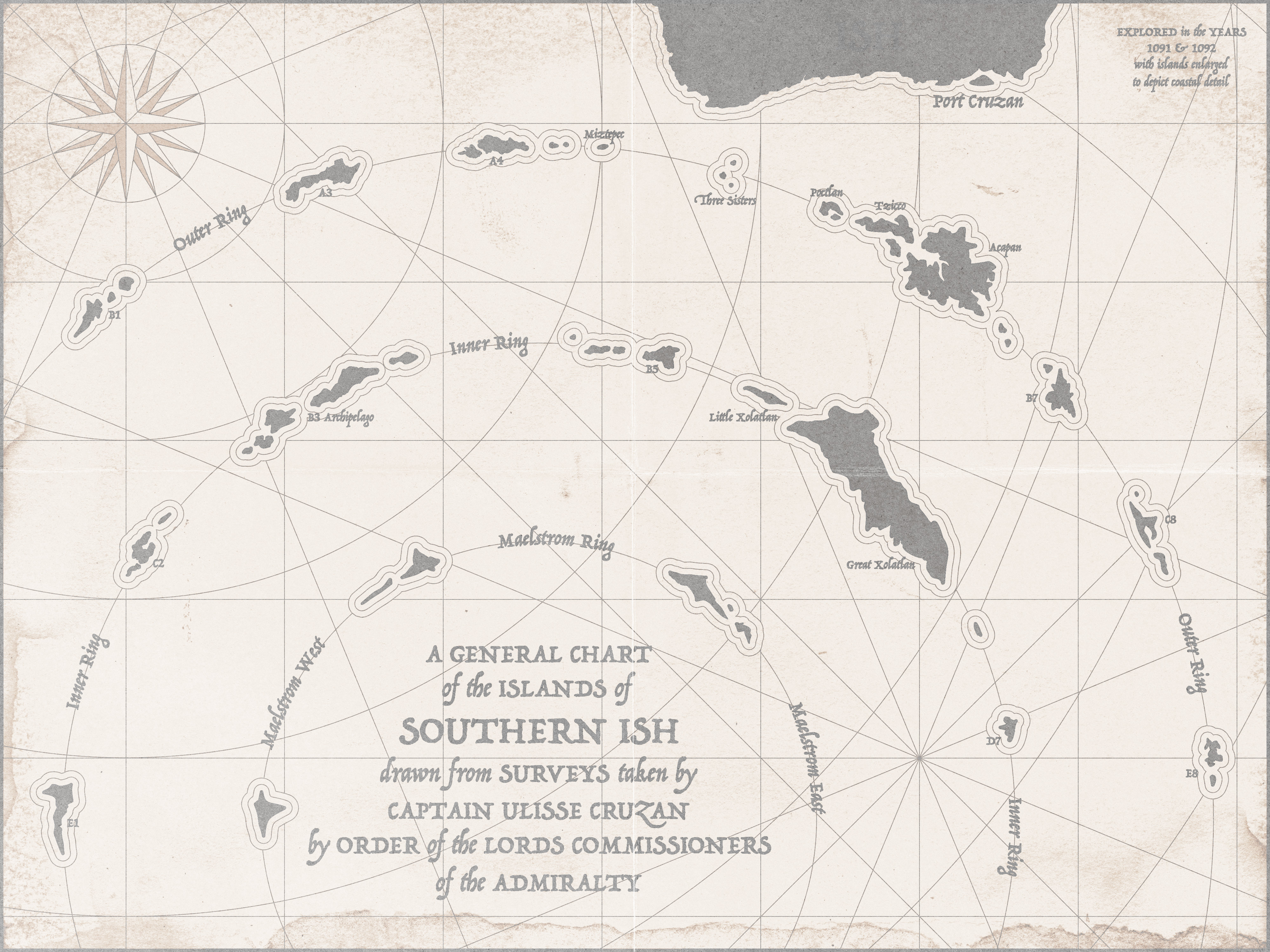
The Isles of Cruzan (Weathered)
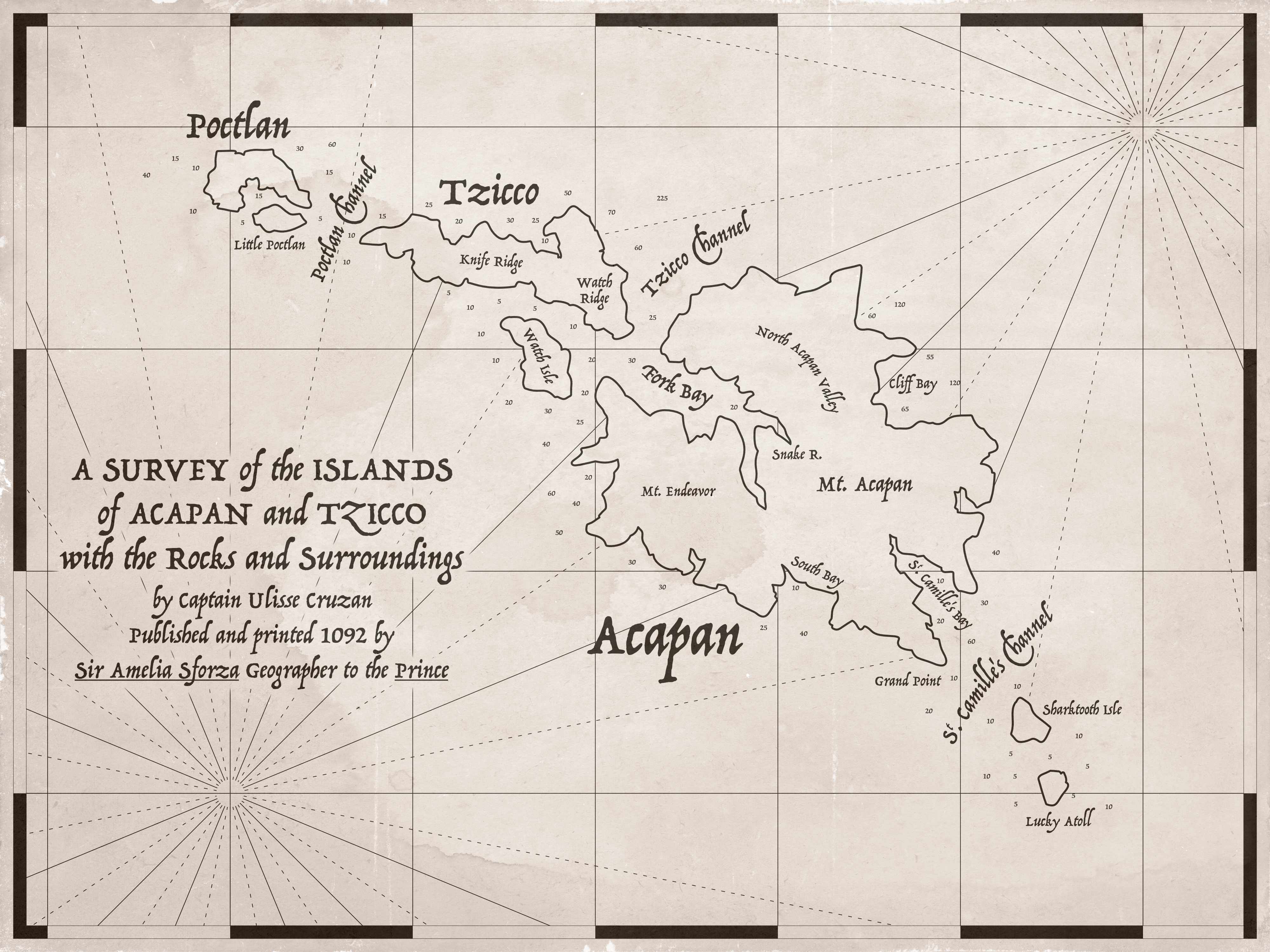
The Isles of Cruzan: Acapan (Weathered)
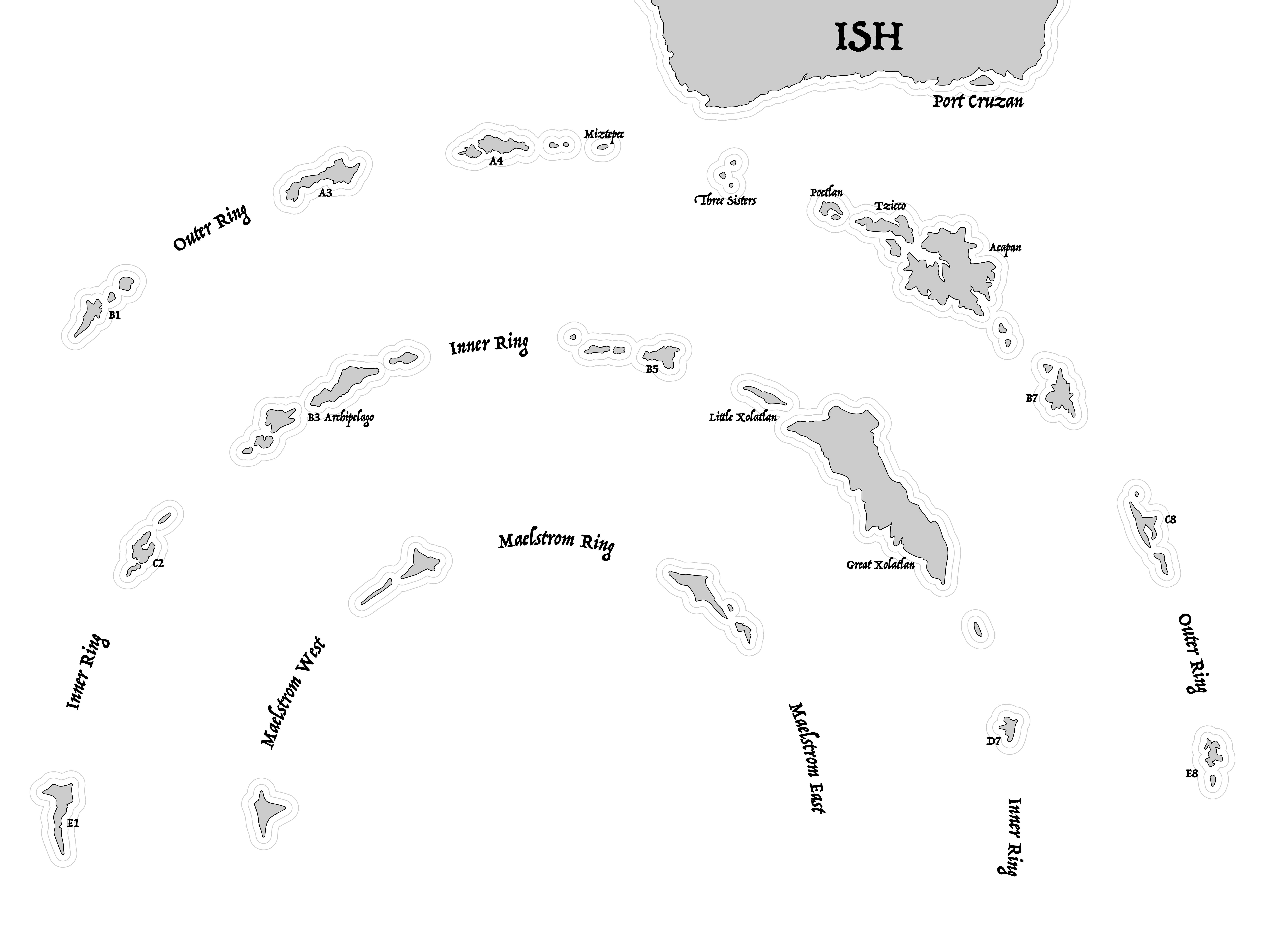
The Isles of Cruzan (Referee)
No scale given so that I can adjust as needed depending on the game I want to run. I liked the conceit of “the islands are enlarged to show coastal detail” which allowed me to make it much prettier.
Making the Maps
All of this is probably super dumb and basic to anyone with experience, but it took me a while to learn. Hopefully it saves some other noob a few hours.
Find references
References let you figure out a list of what you want. For me, it was compass roses, island outlines, latitude/longitude lines and borders, curving text, and weathering. So I’ve got to learn to make all of them!
These are the maps I used as references. You can see how they influenced the borders, background elements, and writing.


Charts by James Cook from Wikipedia
For individual islands, I went on Google Maps and found sections of coastline I liked, then copied.
Get comfortable with the design software
Spend a few hours just testing ideas. It saved me so much time later.
- It took me a while to understand how to produce things like the “waves” around the coasts of the islands and to get them to behave how I wanted.
By using a popular software package like Affinity, you can usually Google answers to your questions.
Use as many features as possible
I think basically everything you can want to do can be done very cleverly with the tools already available. Some examples:
- Using vector graphics for the islands saved me so much time.
- Finding the “Rasturize as Mask” feature really improved the weathering effects.
- Once I Googled how the stroke outlines worked, making borders was really versatile and fast. You can see how the Acapan map border is way better.
- Curving text.
- Per-character text kerning.
Be principled with how you group and color things. If you find yourself changing the color or traits of many individual elements, it’s a sign you should be organizing them somehow to change everything from one place.
There are great online resources available
For weathering and texture elements, TextureLabs had an amazing set of high-res images available for commercial use. Old Book Illustrations is great for ornamentation.